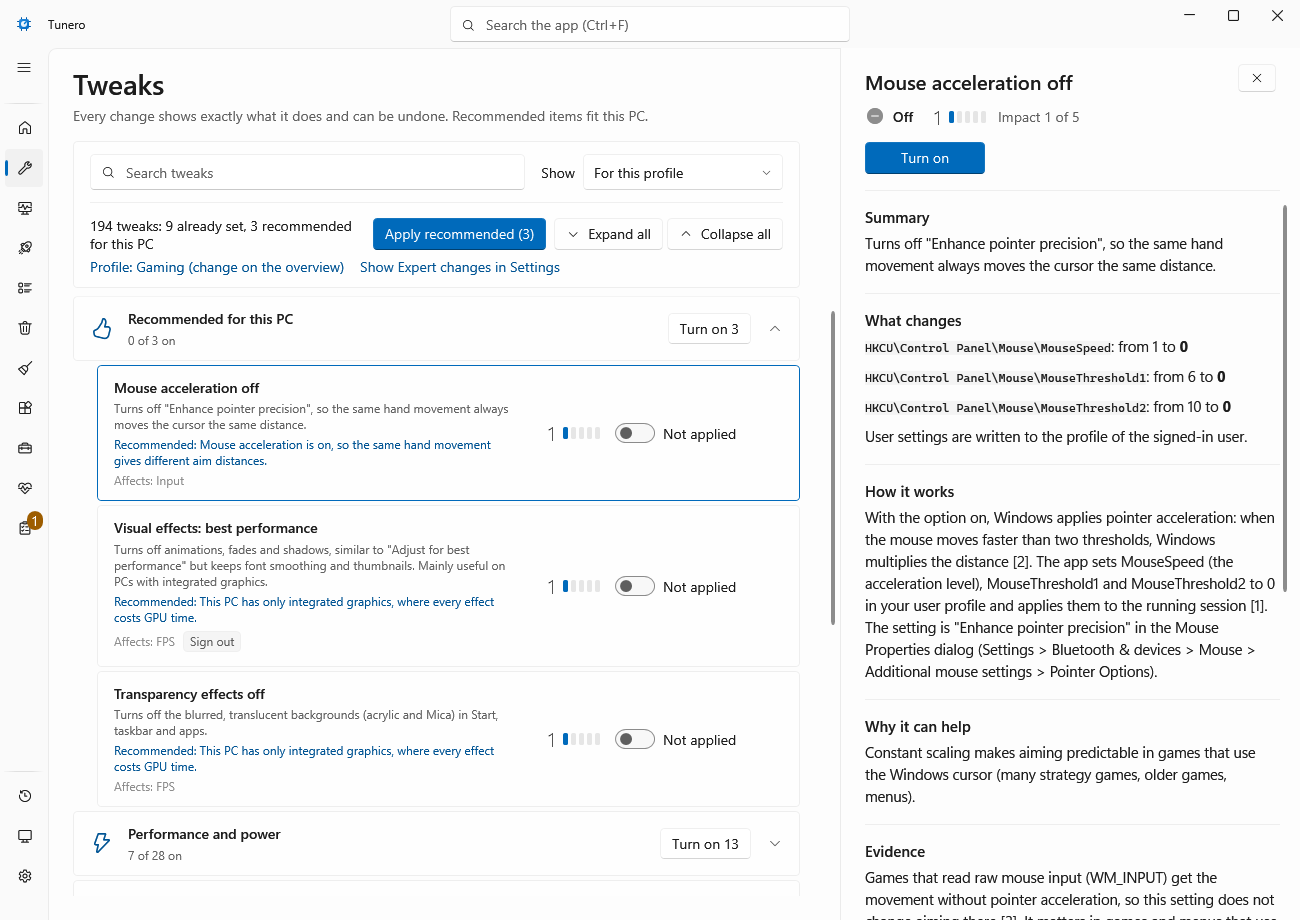
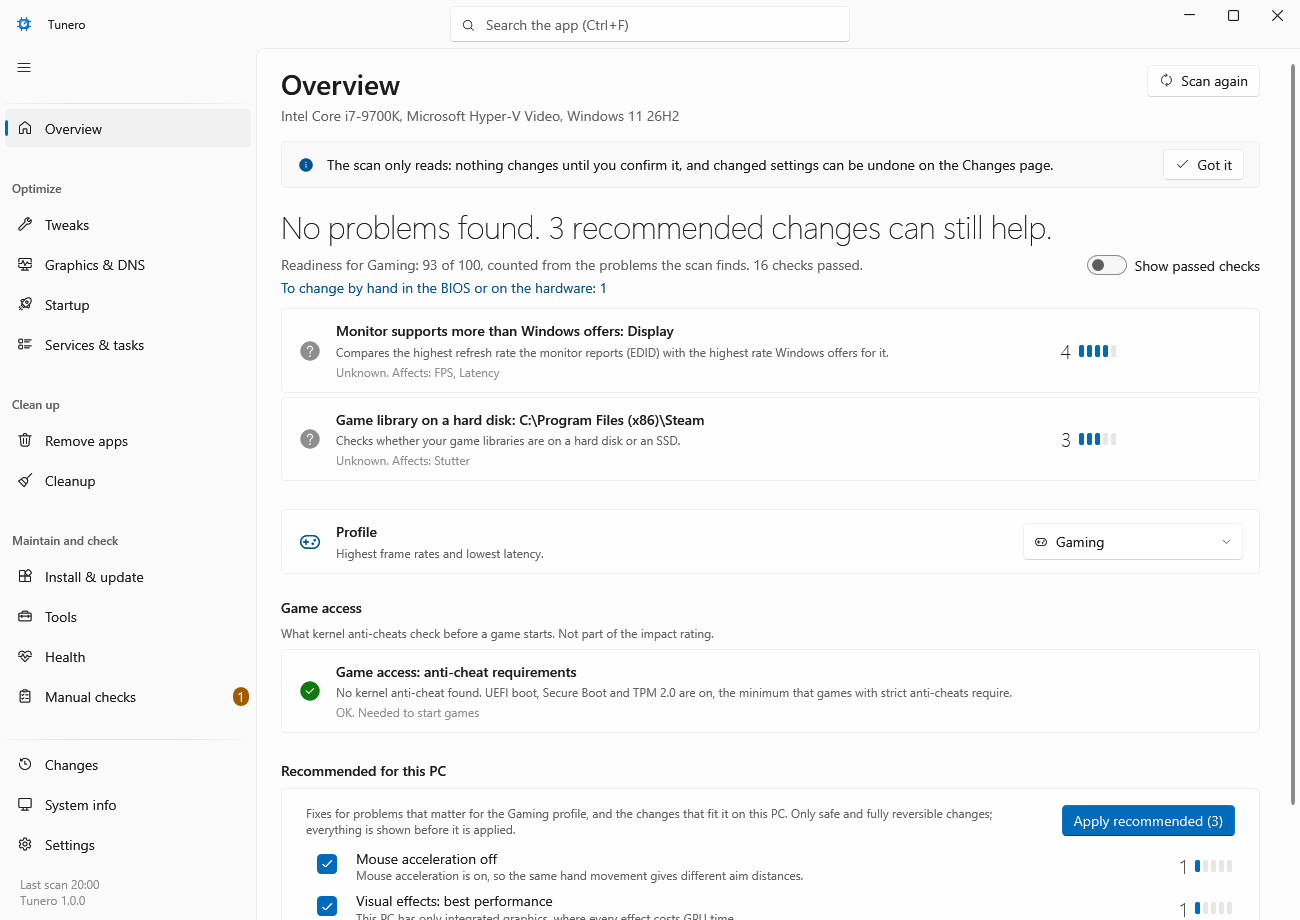
Explanation page in the app
Mouse acceleration off
Impact 1 of 5
Summary
Turns off "Enhance pointer precision", so the same hand movement always moves the cursor the same distance.
What changes
| HKCU\Control Panel\Mouse | ||
|---|---|---|
| Value | Now | New |
| MouseSpeed | 0 | |
| MouseThreshold1 | 0 | |
| MouseThreshold2 | 0 | |
How it works
With the option on, Windows applies pointer acceleration: when the mouse moves faster than two thresholds, Windows multiplies the distance2. The app sets MouseSpeed (the acceleration level), MouseThreshold1 and MouseThreshold2 to 0 in your user profile and applies them to the running session1. The setting is "Enhance pointer precision" in the Mouse Properties dialog (Settings > Bluetooth & devices > Mouse > Additional mouse settings > Pointer Options).
Evidence
Games that read raw mouse input (WM_INPUT) get the movement without pointer acceleration, so this setting does not change aiming there3. It matters in games and menus that use the Windows cursor.
Trade-offs & risks
The cursor may feel slower at first on the desktop; adjust the pointer speed or mouse DPI to taste.